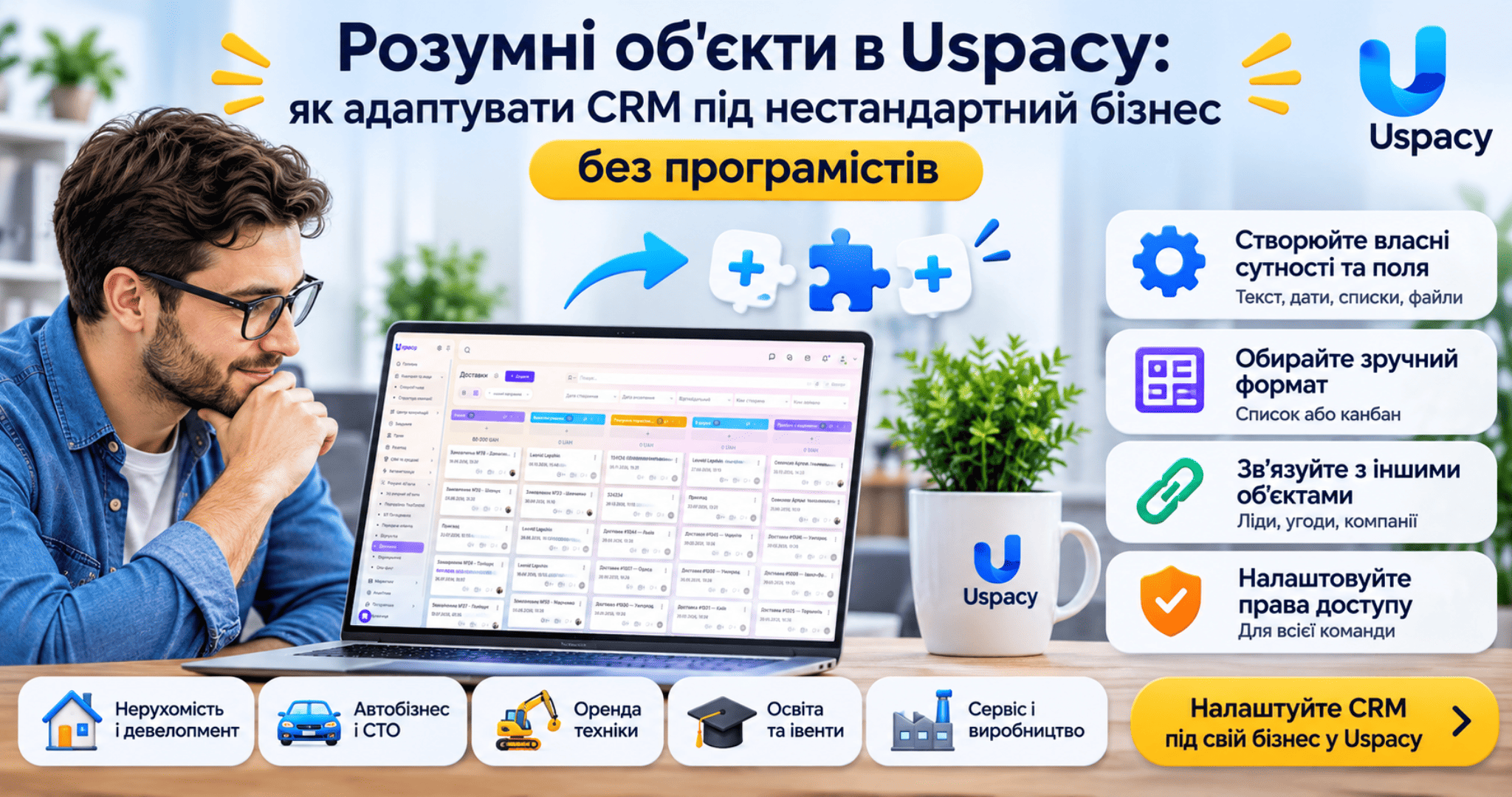
What Are Smart Objects in Uspacy?
Put simply, a Smart Object is a custom entity inside your workspace that operates by the exact same rules as familiar Deals or Leads, but carries your own naming, your own fields, and your own workflow logic. As outlined in the Uspacy Knowledge Base guide on adding Smart Objects, you can create a dedicated section in your left-hand navigation menu in just a few minutes.
What sets a Smart Object apart from a simple custom field inside a deal is independence and scalability:
-
Custom data structure. You define the exact set of fields you need: text, numbers, dates, dropdown lists, assigned employees, files, and more.
-
Flexible view modes. Items inside a Smart Object can be managed either as a structured list (registry) or as a Kanban board with custom stages.
-
Full-featured item card. Every record has its own activity feed, comments, change history, linked tasks, and file attachments.
Who Needs This and Why: Practical Use Cases
When we design CRM architecture for a client, Smart Objects allow us to fit the software around the company's real operations rather than forcing the team into rigid templates. Here are several common scenarios:
-
Real Estate and Development. A dedicated "Properties" Smart Object (apartments, offices, land plots) with statuses like "Available," "Reserved," and "Sold," along with square footage, address, and photos. Agents immediately see the live status of every unit and link it directly to a buyer's deal.
-
Automotive, Repair Shops, and Logistics. A "Vehicles" or "Fleet" entity storing VIN codes, mileage, last maintenance dates, and insurance renewals. When a customer returns, their profile already holds the complete service history for each specific vehicle—even if the owner manages three cars.
-
Equipment and Machinery Rentals. Tracking every individual rental unit: serial numbers, included accessories, current status (in warehouse, with client, under repair), and return schedules.
-
Educational Projects and Events. Dedicated entities for "Courses," "Cohorts," or "Events" linked directly to enrolled students (Contacts) and their tuition payments (Deals).
-
Service Companies and Manufacturing. A "Projects" or "Production Orders" entity capturing technical specs, subcontractors, and fulfillment stages separately from the financial sales pipeline.
The Real Power: Flexible Relationships Between Entities
The true value of Smart Objects emerges when you connect them with the rest of your CRM. As detailed in the documentation on interacting with Smart Objects, they integrate seamlessly into your workspace ecosystem:
-
Linking to standard CRM entities. A Smart Object can be connected to Leads, Deals, Contacts, and Companies. For example, opening a B2B client's company card immediately displays every piece of equipment they have purchased from you.
-
Relationships between different Smart Objects. You can connect two custom entities to each other—such as "Residential Complex" and "Apartments," or "Fleet" and "Drivers."
-
Task management integration. Tasks with deadlines and assignees can be attached directly to any Smart Object item so no inspection, maintenance step, or delivery milestone gets overlooked.
Daily Workflows and Access Permissions
Rolling out a new tool should never slow down your team. The complete workflow is covered in the Knowledge Base guide on working with a created Smart Object, and in practice it comes down to straightforward daily habits:
-
Fast search and filtering. Staff can filter records by any custom field—for instance, finding all available two-bedroom apartments in a specific district within three seconds, or pulling up every vehicle whose insurance expires next week.
-
Granular access permissions. You control exactly who can view, create, edit, or delete records inside a Smart Object. For example, sales reps can view equipment availability, while only a warehouse manager or service engineer can update technical condition statuses.
-
Bulk actions and data import. If you previously tracked assets or properties in spreadsheets, you can migrate that database into a Smart Object, organize it cleanly, and manage everything going forward in one unified system.
Why This Saves Business Budget
Previously, building this kind of tailored structure meant either commissioning custom software development from scratch (costing thousands of dollars and months of waiting) or buying heavy enterprise systems bloated with features you never use. Smart Objects in Uspacy let you assemble a custom CRM configuration like building blocks: test a workflow quickly, add new fields or stages as needed, and scale your system alongside business growth.
Need to Adapt Uspacy to Your Business Workflows?
If standard sales pipelines are not enough and your operations depend on tracking properties, equipment, projects, or multi-stage services, you do not have to force your team into software limitations. I can help you design your Uspacy CRM architecture, configure Smart Objects, set up entity relationships, and define clear access permissions for your team.
Leave a consultation request on the website or message me directly—we will review your workflows and build a practical solution without unnecessary development costs.
November 28, 2026