Why CRM Beats Google Sheets: Automating Routine Tasks
Every growing business eventually faces a bottleneck where administrative routine consumes more hours than actual selling and customer communication. When relying on basic tools like Google Sheets, daily operations depend entirely on employee memory and discipline. This invites human error, lost leads, and team burnout from repetitive manual work.
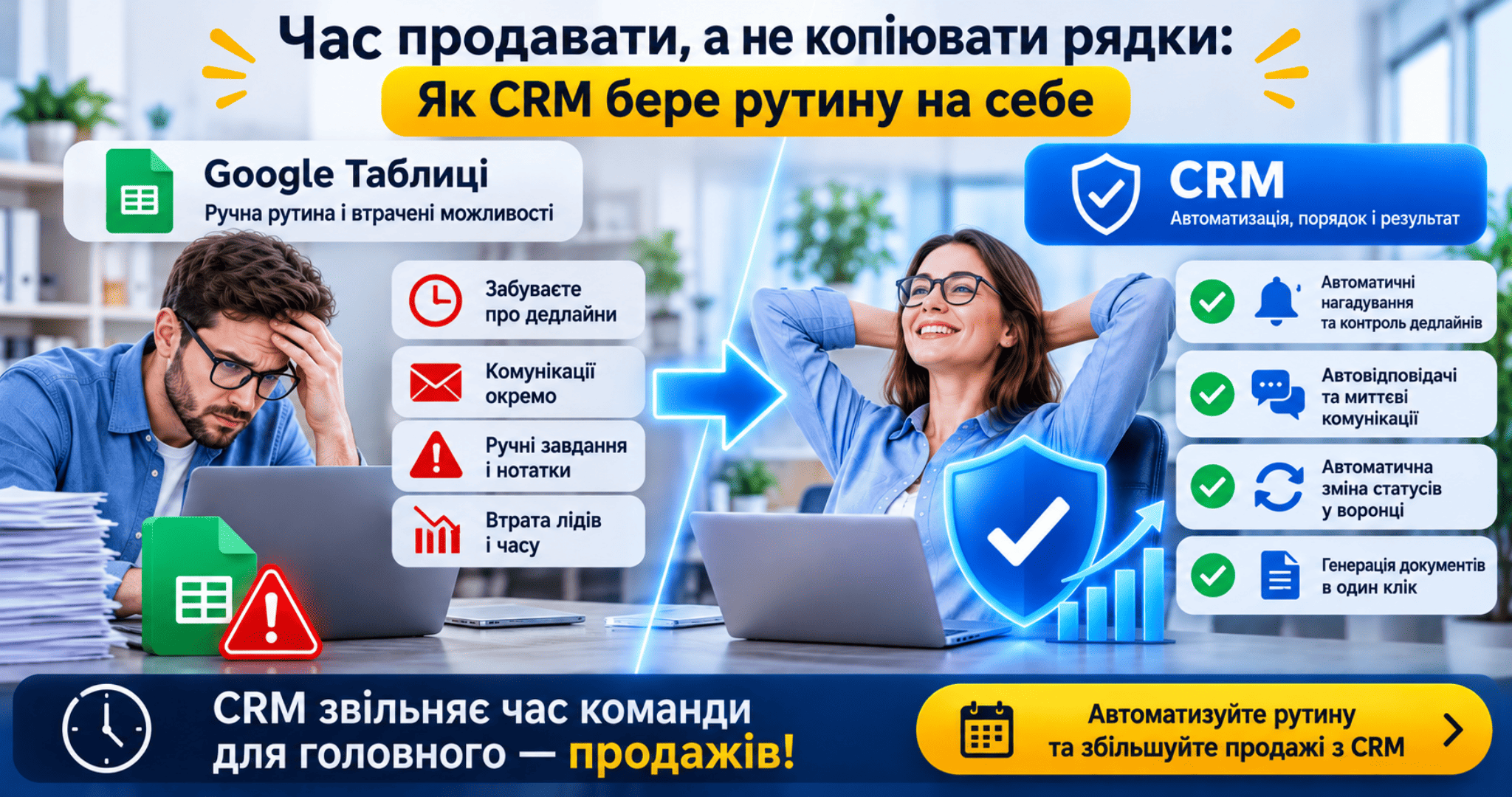
Why Google Sheets Slow Down Company Growth
-
Total reliance on human memory: If a sales rep forgets to update a lead status or log the next follow-up date, the deal stalls. Spreadsheets lack built-in mechanisms to prompt timely action.
-
Disconnected communication channels: Emails, messenger chats, and phone calls live outside the spreadsheet. Staff waste valuable minutes manually copying data across tabs.
-
Manual task tracking: Setting a follow-up reminder requires external calendar entries or sticky notes that are easily overlooked.
-
Delayed lead response: By the time a rep spots a new spreadsheet row, modern buyers have already moved on to competitors who replied within seconds.
How a CRM Automates Workflows and Frees Up Team Time
-
Automated Reminders and Deadline Control: If a deal sits in one stage longer than allowed, the system alerts the rep or manager automatically, providing a clear daily task list every morning.
-
Auto-Responders and Instant Engagement: The moment a prospect submits a form or sends a message, the CRM creates a contact card and dispatches an instant greeting or confirmation, even after business hours.
-
Automated Pipeline Stage Transitions: Once an invoice is paid via an integrated payment gateway, the deal automatically moves to Paid, triggering fulfillment tasks for warehouse or logistics teams.
-
One-Click Document Generation: The platform pulls client details, tax IDs, and totals directly from the contact record into ready-made contract and invoice templates.
Conclusion Google Sheets acts as a passive data repository where every update demands manual effort. A CRM functions as an active digital assistant that handles repetitive work, eliminates errors, and speeds up customer service. Moving from spreadsheets to a CRM is a decisive step from operational chaos to structured business growth.
Tired of losing leads and wasting team hours on manual spreadsheet updates?
We will migrate your database into a modern CRM, configure automated pipeline workflows, and train your team for maximum efficiency turnkey.
Book your sales automation consultation today!
November 14, 2026
How we work
- You leave a request - we call for an initial analysis
- Free consultation - we hold an online meeting, together we define goals and select solutions
It's free and there's no obligation.
Phone: +380664393246
Mail: hello@leonid-lapshin.site