Why CRM Beats Google Sheets: Data Security and Access Permissions
Many Ukrainian companies begin their journey with simple tools like spreadsheets. It is convenient at the start, but as the business grows, standard Google Sheets pose a hidden threat to corporate security.
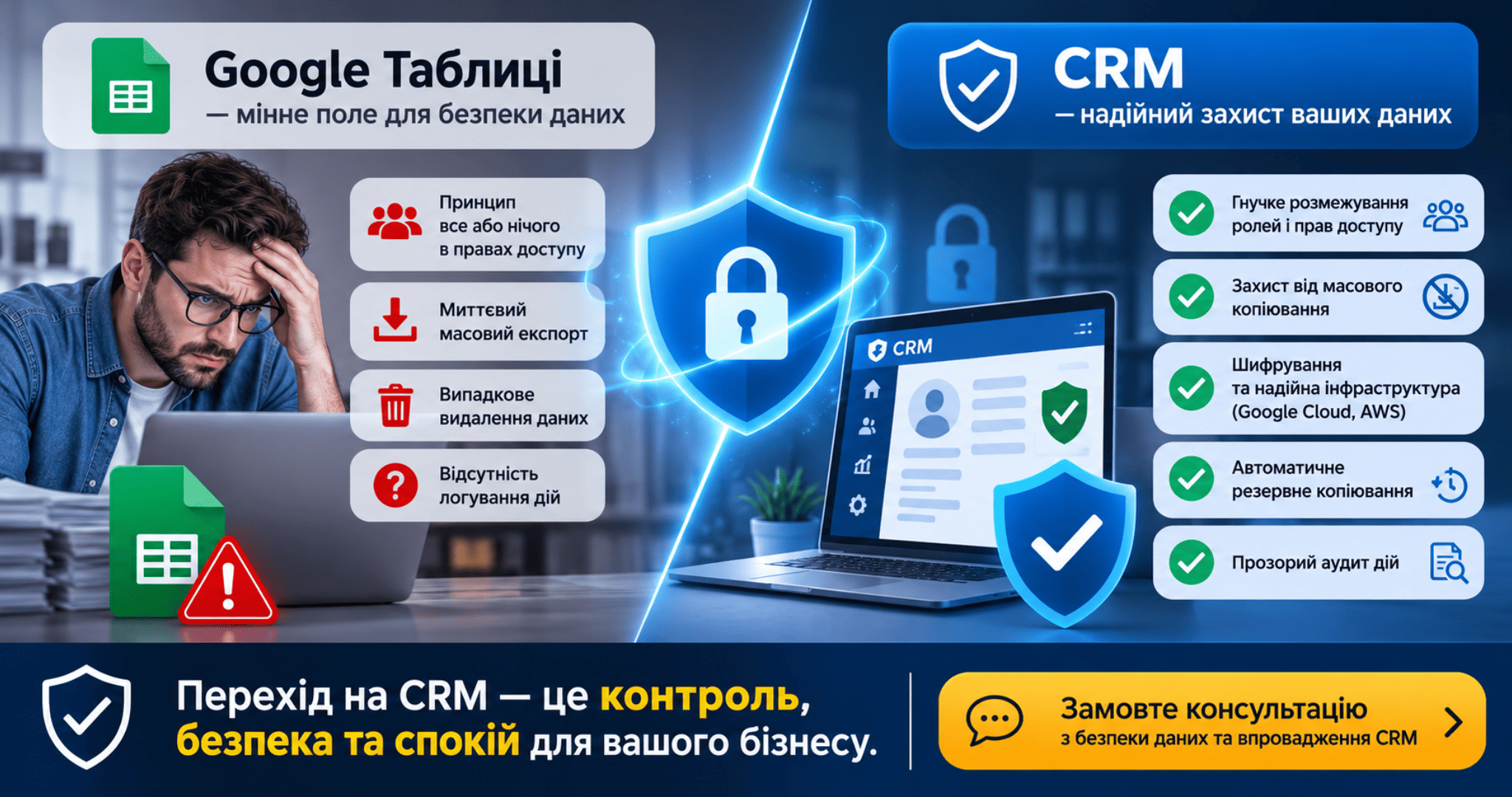
Why Google Sheets is a Security Hazards Field
-
All-or-nothing access rules: Spreadsheets lack granular permission settings. Users either get full access to read, edit, and download, or no access at all. Even protected sheets can be easily copied.
-
Instant mass export: Any employee with access can download the entire database as an Excel or CSV file in seconds before quitting the company.
-
Accidental data loss: A single wrong click or column deletion can wipe out critical records, making full recovery extremely difficult after multi-user editing sessions.
-
No audit trail: In the event of a leak, it is impossible to trace who viewed, modified, or downloaded specific contact entries.
How a CRM System Safeguards Your Business
-
Granular Role & Access Control: Sales reps only see assigned leads, while mass contact exports are strictly disabled by administrators.
-
Protection Against Data Scraping: Systems enforce limits to prevent mass contact harvesting, flagging suspicious bulk activity automatically.
-
Enterprise-Grade Encryption: Data is encrypted in transit via SSL and at rest on secure cloud platforms like AWS or Google Cloud.
-
Automated Backup Systems: Hot backups duplicate records across multiple geo-locations to ensure full recovery under any circumstances.
-
Comprehensive Audit Logging: Complete historical tracking shows every edit, status change, and deletion attempt per record.
Conclusion Google Sheets is fine for simple task tracking, but storing your primary asset—your customer database—in a spreadsheet is a risk you shouldn't take. Switching to a CRM eliminates data leaks, prevents financial loss, and gives you complete control over sensitive commercial data.
Ready to protect your customer database from leaks and theft?
We will help you select and configure a secure CRM, set up granular access roles, and migrate your data turnkey.
Book your data security and CRM consultation today!
November 7, 2026
How we work
- You leave a request - we call for an initial analysis
- Free consultation - we hold an online meeting, together we define goals and select solutions
It's free and there's no obligation.
Phone: +380664393246
Mail: hello@leonid-lapshin.site